Search Console: logging error cut Generative AI impressions
Google says a logging error lowered impressions in Search Console's Generative AI report for Search from 9 to 11 November 2026. Mark those days before you compare periods.

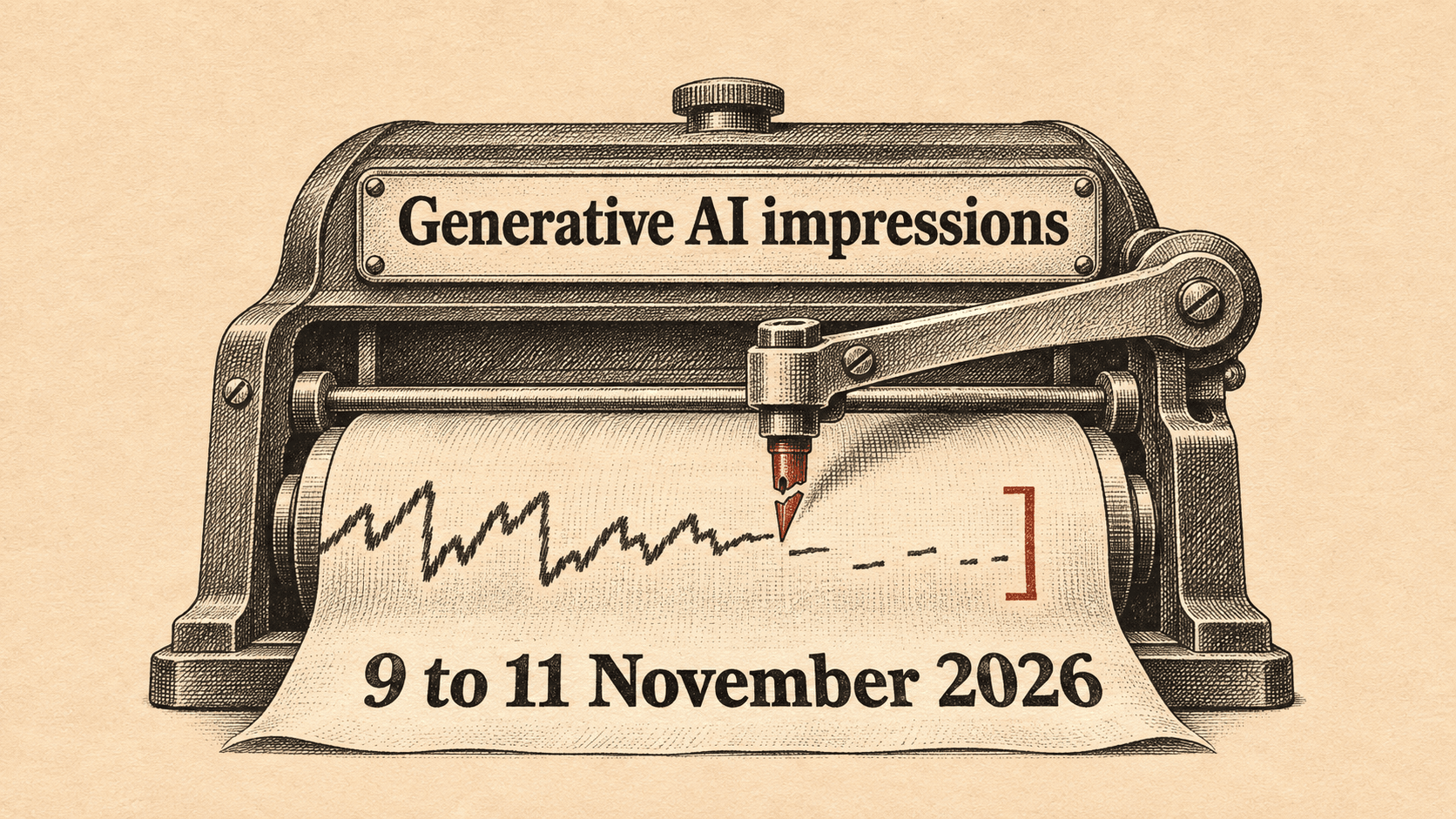
If you report on the Generative AI performance report in Search, the impressions Search Console shows for 9 to 11 November 2026 may be too low. As of 13 November 2026, Google's data anomalies page lists a logging error that decreased impressions in that report for those three days. The logging error can distort comparisons for these dates. Google attributes the dip to logging, so do not read it as a change in visibility.
What changed
The entry concerns a data logging issue and makes no feature availability or roadmap announcement.
The entry on Google's Search Console Help page, "Data anomalies in Search Console", says the following:
- Report affected: the Generative AI performance report in Search.
- Dates affected: data from 9 November to 11 November 2026.
- Metric affected: impressions. The entry names no other metric.
- Google's characterisation: "This issue affects data logging only."
- Status: the entry carries no update note and does not say the decreased data will be restored.
The same page shows a precedent in the same report. A logging error decreased impressions on the Generative AI performance report in Search for 13 August to 17 August 2026. Google added an update dated 21 August saying the missing data had been restored and that the Performance report now shows complete metrics. The page does not say the November entry will follow the same path.
What this means for specialists
The November entry is the second logging error the page lists for Generative AI in Search in 2026, after the August one. Treat the report as a source that can be revised. Anything you built on it for 9 to 11 November may change if Google restores the data, as it did in August.
The practical risk is comparison. A week-on-week or month-on-month view that includes those three days can understate impressions in the Generative AI report. Metrics calculated from the affected impression counts may also be skewed. If you send that view to a client or a stakeholder without a note, you invite questions about a drop that Google attributes to logging.
Google's wording matters here. "Data logging only" points to the recording of impressions, not to how your pages were shown. That is Google's account, and the page offers no size of decrease or any other detail you could use to check it. Without that, you cannot correct the numbers yourself, so the safe course is to flag the days rather than adjust them.
The page also lists other 2026 problems in other reports. These include Discover logging errors on 13 August, 24 June, 21 May and 7 to 8 May, and a gap in the Bulk data exports. If you pull Search Console data into your own reporting, the page is worth checking whenever a number looks odd.
What to do this week
- Open the Generative AI performance report in Search and annotate 9 to 11 November 2026 in your existing reporting.
- Add a footnote, or exclude those three days, in any period comparison that includes them before it goes to a client or stakeholder.
- Open the "Data anomalies in Search Console" page and look for an update note on the 9 to 11 November entry. The August entry received one dated 21 August.
- If you keep Bulk data exports, check them for 28 February and 1 March 2026. The page says those two days are missing for some properties and that the data will not be recovered.
What we do not know yet
- Whether Google will restore the 9 to 11 November data. The entry has no update note, and the page does not say when it might add one.
- How large the decrease in impressions was. The page gives no figure.
- Which properties are affected. The page does not say the issue is limited to some of them, and it names no markets.
- What caused the error, and whether days after 11 November are clean. The entry covers 9 to 11 November and says nothing about later dates.
Sources & Further Reading
- support.google.com: Data anomalies in Search Console, Search Console Helphttps://support.google.com/webmasters/answer/6211453?hl=en