Bing adds a -ai operator and extension to switch off AI answers
Microsoft announced on 11 November 2026 that Bing users can drop AI-generated answers with a -ai operator or a preview extension. Check how your key queries look without them.

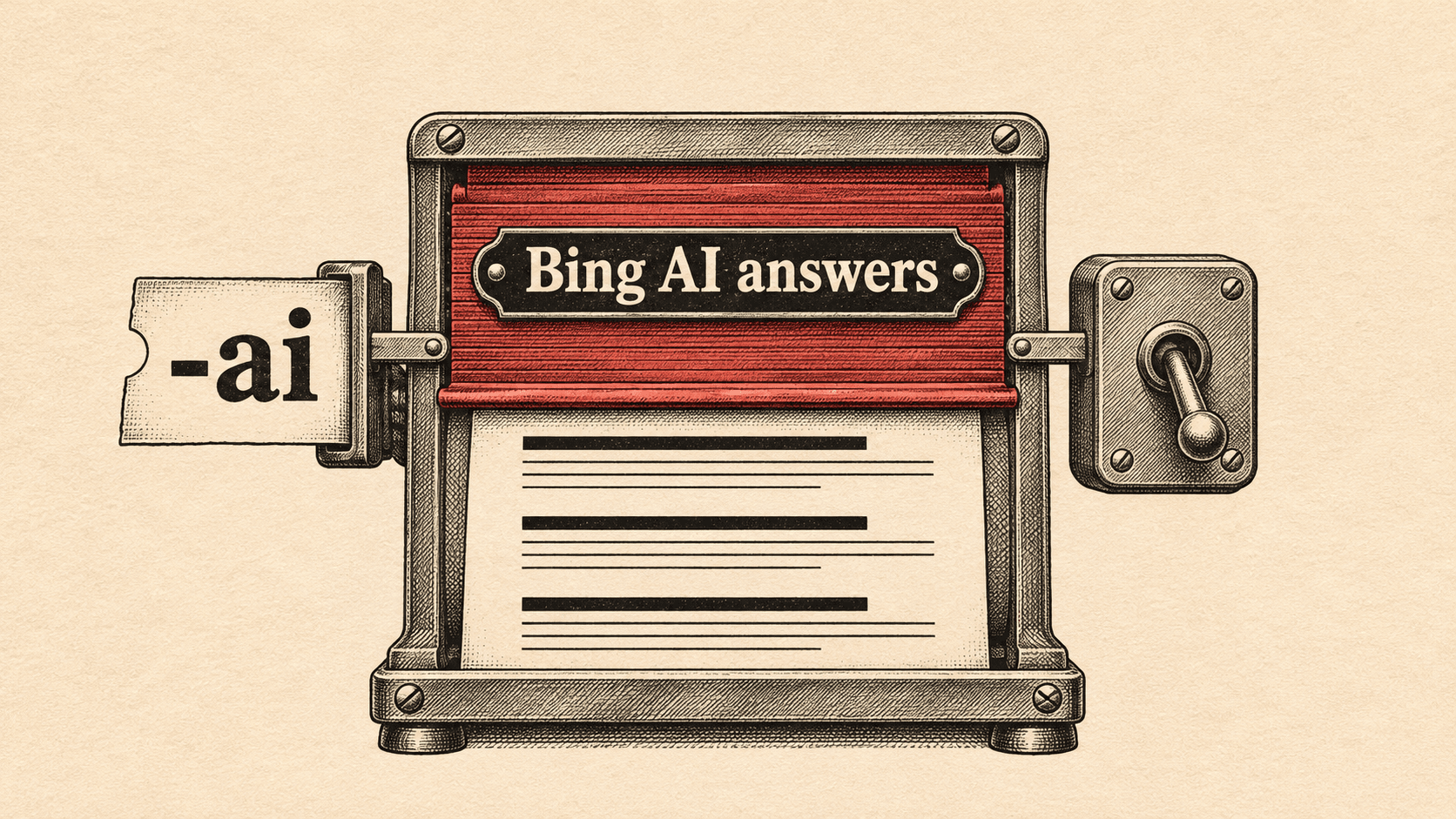
Bing users can now choose to run searches without AI-generated answers. Microsoft announced two ways to do it on 11 November 2026: a "-ai" operator that works on any Bing query, and a preview browser extension that switches AI answers off across all Bing searches.
What changed
Available now: the -ai operator. Bing Search Blog says: "Simply add -ai to any Bing search to get results without AI-generated answers." Nothing needs to be installed. Microsoft's own example query is "why is the sky blue -ai".

In preview: the Microsoft Bing AI Search Choice extension. After installation, a toggle lets the user choose whether to see AI-generated answers on Bing. Microsoft says the preference "applies across all your Bing searches". The extension is available for Google Chrome and Microsoft Edge, and it also sets Bing as the default search engine. Microsoft labels it a preview and says it may make changes based on feedback, which it asks users to send via X.
Microsoft's reasoning. Bing Search Blog says its research shows users want the option to choose whether or not AI is involved in every session, and that Bing offers both AI-powered and traditional search experiences. That is Microsoft's claim about user demand. The post gives no figures for how many people want this, how many will install the extension or how many will use the operator.
The post does not describe anything as rolling out later or planned. The two options are the operator, which Bing offers now, and the extension, which is in preview.

What this means for specialists
The two options work differently. The operator is a choice made one query at a time. The extension is a standing preference that covers every Bing search, so a user who switches AI answers off once stays on classic results until they switch back.
For anyone tracking how a brand appears in Bing's AI-generated answers, the implication is that some searchers will not see those answers at all. How many is unknown, since Microsoft gave no usage or opt-out figures. It is reasonable to treat any exposure you attribute to AI-generated answers on Bing as applying only to searches where they are shown.
The reverse also holds. For searchers who opt out, the post says they will "focus on familiar search results and links", so the classic results are what those users see. If your brand's visibility on Bing depends partly on AI-generated answers, a check without them shows what the opted-out searcher gets.
The extension also sets Bing as the default search engine. Microsoft does not say whether that is a goal of the extension or a side effect, but anyone installing it for testing on a working machine should expect the default to change.
What to do this week
- Open Bing and run your most important queries as normal, then run each again with -ai added. Note which results and links differ.
- Record where your own brand and your clients' brands appear in each version, with the date, so you have a baseline for later comparison.
- Install the Microsoft Bing AI Search Choice extension in Chrome and in Edge on a machine where a changed default search engine does not matter. Switch AI answers off and check the results match the -ai versions.
- Switch the toggle back on and confirm the AI-generated answers return, so you know what searchers with each setting see.
- Look through any internal reporting or client commentary that describes Bing's AI-generated answers, and add a note that users can now opt out with the operator or the extension.
- Tell account owners the option exists, and that Microsoft has given no figures on how many people use it.
What we do not know yet
- How many users will install the extension or use the -ai operator. The post gives no usage or opt-out figures.
- When the extension leaves preview, or what may change before it does. Microsoft only says it may make changes based on feedback.
- Which markets and languages the operator and extension cover. The post does not say.
- Whether browsers other than Chrome and Edge will get the extension. The post names only those two.
- What else on the results page changes when AI answers are off, beyond Microsoft's description of "familiar search results and links".
- How the opt-out affects any reporting you rely on. The post does not mention reporting.
Sources & Further Reading
- Bing Search Blog: Your choice: Turn AI answers on or off in Binghttps://blogs.bing.com/search/2026/11/your-choice-turn-ai-answers-on-or-off-in-bing/