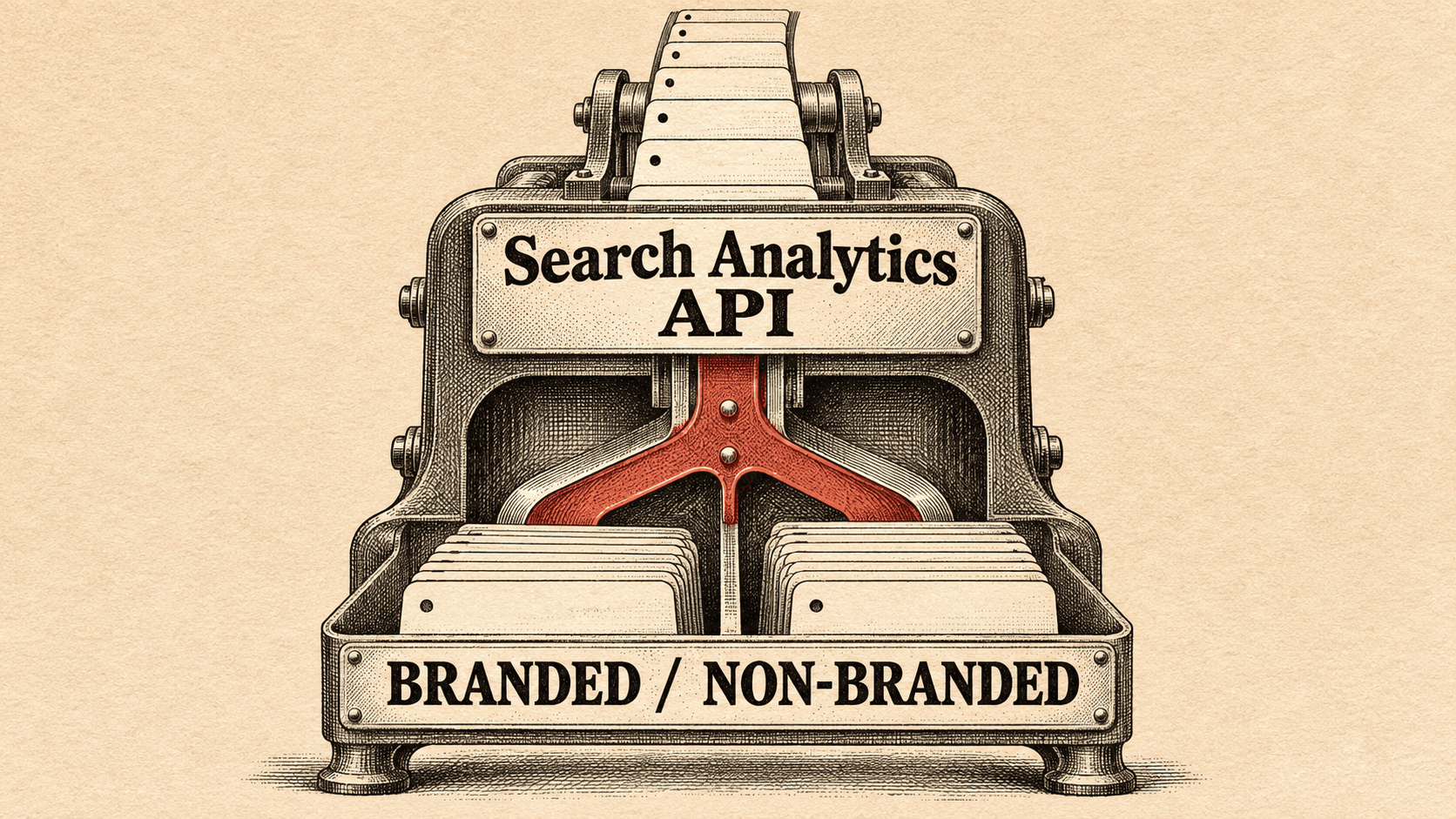
Google Search: back button hijacking FAQ covers social traffic
Google's spam policies carry a back button hijacking FAQ: social-referred visits in a browser are covered, and Google says it acts on page behaviour.

If you send paid social clicks to your own pages, Google's Search spam policies say they can apply to what happens when those visitors try to leave. The "Back button hijacking FAQ" sits in Google's spam policies for web search, and the page shows "Last updated 2026-11-23 UTC". It answers five questions, and two of them matter directly to anyone buying traffic from outside Search.
What changed
Google defines back button hijacking as when "a site interferes with user browser navigation by manipulating the browser history or other functionalities, preventing them from using their back button to immediately get back to the page they came from." It sits under the policy's "Malicious practices" section. Everything below is live published guidance. The sources describe no pilot, staged rollout or planned phase.
Traffic from social media is covered. Asked whether the policy applies when a visitor arrives from a non-Search channel such as social media and cannot return to the source, Google answers:
"If back button hijacking happens when a user is browsing within a browser, then the policy applies."
Advertising platform code is not banned. Some of the behaviour, Google's question says, was caused by third-party advertising platforms. Google's answer is that "site owners can continue to work with advertising platforms and import code that they host. We only take action on pages that exhibit back button hijacking behavior."
App behaviour is outside the policy. Google says "app navigation and 'open in app' behaviors are outside the scope of the back button hijacking policy." That covers a website opening an external app which then stops the user returning to the original destination.
Discover is covered. Google says Discover is part of Google Search and its spam policies apply there as well.
Users can report it. Google says users can report potential spammy behaviour through the spam submission report.
The general enforcement language on the same page applies. Google says it detects violations through automated systems and, as needed, human review that can result in a manual action, and that sites that violate its policies "may rank lower in results or not appear in results at all." The page does not give penalties specific to back button hijacking.
What this means for specialists
The test Google describes is behaviour in the browser, not the visitor's origin. A click from a paid social ad that lands on a page which traps the back button is inside the policy as Google words it, even though the visitor did not come from Google. Whether a page is in Search is a separate question, and the sources do not address it.
The answer on advertising platform code cuts both ways. Importing code from an advertising platform is not itself a problem, according to Google. But Google also says it acts on pages that exhibit the behaviour. Read together, the sources give no indication that the origin of the code changes how the page is judged. That is an implication, not something Google states. If a script you did not write alters the browser history on your page, the page is still the thing Google examines.
The app exclusion is narrower than it may sound. It covers app navigation and "open in app" behaviours. A mobile web page that manipulates history inside the browser falls under the browser sentence quoted above.
For agencies, this also raises the question of who owns the check. Landing pages are often built by one team, tagged by another and trafficked by a third. Back button behaviour is rarely in anyone's brief, and Google's wording puts responsibility on the page.
What to do this week
- Open each live landing page from a social ad link in a normal browser, press back once, and note whether you return straight to the page you came from.
- Repeat the test with every advertising platform script and widget loaded, then with them disabled, and record which one, if any, changes the result.
- List pages that receive Discover traffic and run the same back button test on them, since Google says its spam policies apply to Discover.
- Separate "open in app" flows from in-browser flows in your audit. Google says the first are outside the policy, so only browser behaviour needs fixing under it.
- Ask whoever builds or tags your landing pages to confirm in writing that nothing manipulates the browser history, and who signs off scripts that are added later.
- Record current performance for affected pages in Search Console before you change anything, so any later movement in Search traffic has a baseline. Google lists "Debug drops in Search traffic" among its Search Console resources.
What we do not know yet
- Dates. The page shows 23 November 2026 as its last update, but it does not say when the FAQ was added or whether the policy text itself changed. It does not say when enforcement began.
- Penalties. The sources describe lower rankings, removal and manual actions in general, and do not say which applies to back button hijacking.
- Pages outside Search. The policy sits in Google's Search spam rules. The sources do not say how it treats pages that Search does not feature, such as paid-only landing pages.
- Detection. Google does not say how it finds the behaviour beyond automated systems, human review and user reports, or how quickly a fixed page is reassessed.
- Scope of "other functionalities". The definition mentions manipulating browser history "or other functionalities" without listing them.
Sources & Further Reading
- Google for Developers: Spam Policies for Google Web Search | Google Search Central | Documentationhttps://developers.google.com/search/docs/essentials/spam-policies#back-button-hijacking-faq
- Google for Developers: Google Search Central (formerly Webmasters) | Web SEO Resourceshttps://developers.google.com/search
- Google for Developers: Documentation to Improve SEO | Google Search Centralhttps://developers.google.com/search/docs
- support.google.com: Content policies for Google Search - Google Search Helphttps://support.google.com/websearch/answer/10622781