Google tags become containers, unsupported ones upgraded January 2027
Google says each Google tag becomes a Tag Manager container, new snippets drop the gtag config command, and unsupported installs are upgraded in January 2027. Audit now.

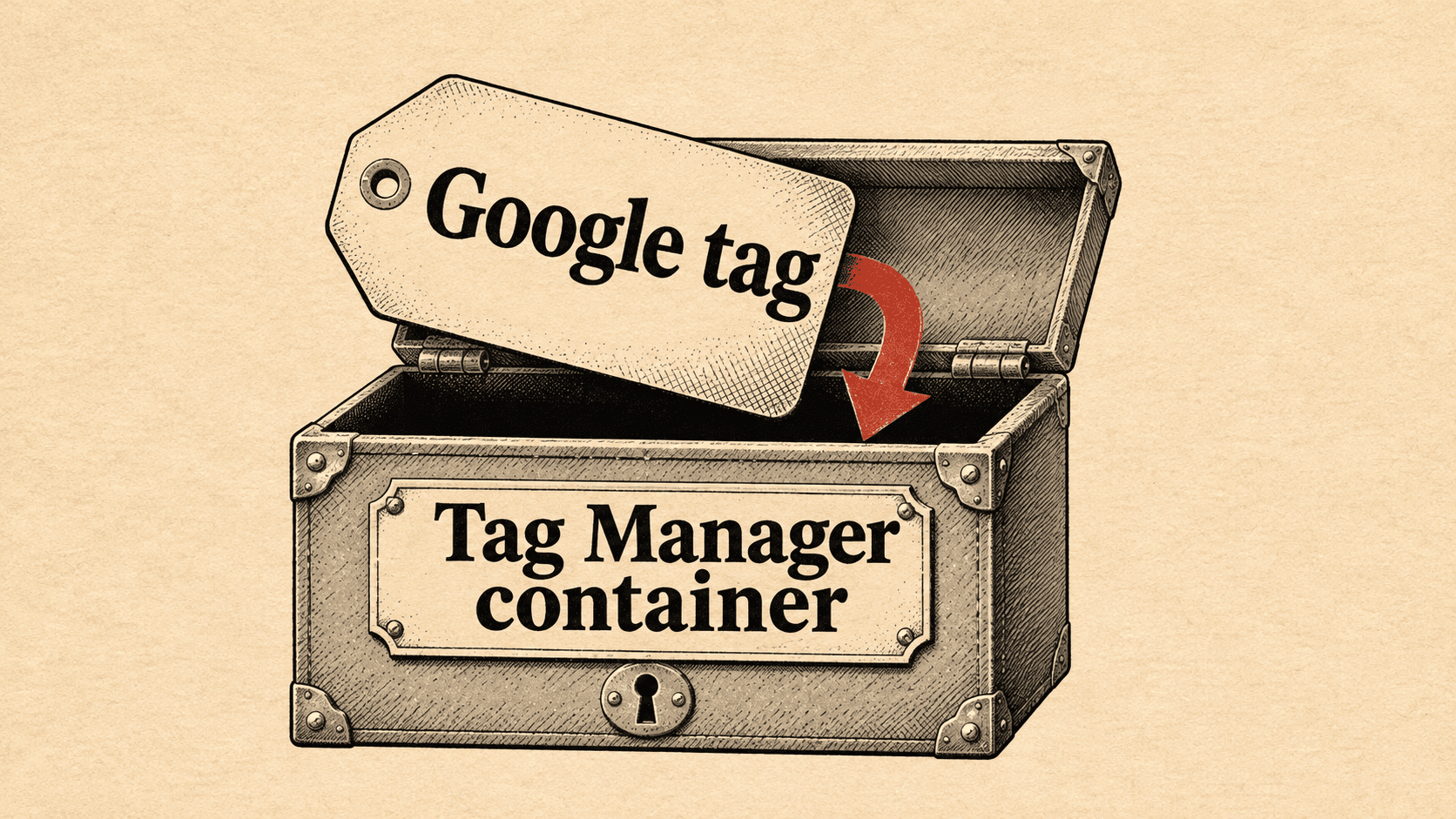
If your sites load Google Ads or Google Analytics through a mix of gtag.js and Tag Manager snippets, the way they initialise is about to change, and unsupported setups have a January 2027 deadline. In release notes dated 17 November 2026, Google says each Google tag becomes a Tag Manager container, new deployment snippets lose the gtag config command, and Tag Manager permissions will decide who can see Tag Assistant data.
What changed
Announced on 17 November 2026. Google's Tag Manager release notes put it plainly: "With these upgrades, each Google tag becomes a Tag Manager container." Websites that only use the Google tag get Tag Manager's interface-driven tagging features, debugging and version control. Google says the upgrade does not change the in-page behaviour of Google tags, and that advertisers gain the option to use Tag Manager features. Each Google destination gets its own tag, which Google says preserves existing setup and triggers for automation events.
Three specifics sit inside that note:
- All new deployment snippets will be the same, and they will not include the gtag config command. Google recommends configuring initialisation with the standard Google Tag Manager initialisation triggers. The Initialization trigger can also make the tag wait for the config command if you want to keep a legacy setup.
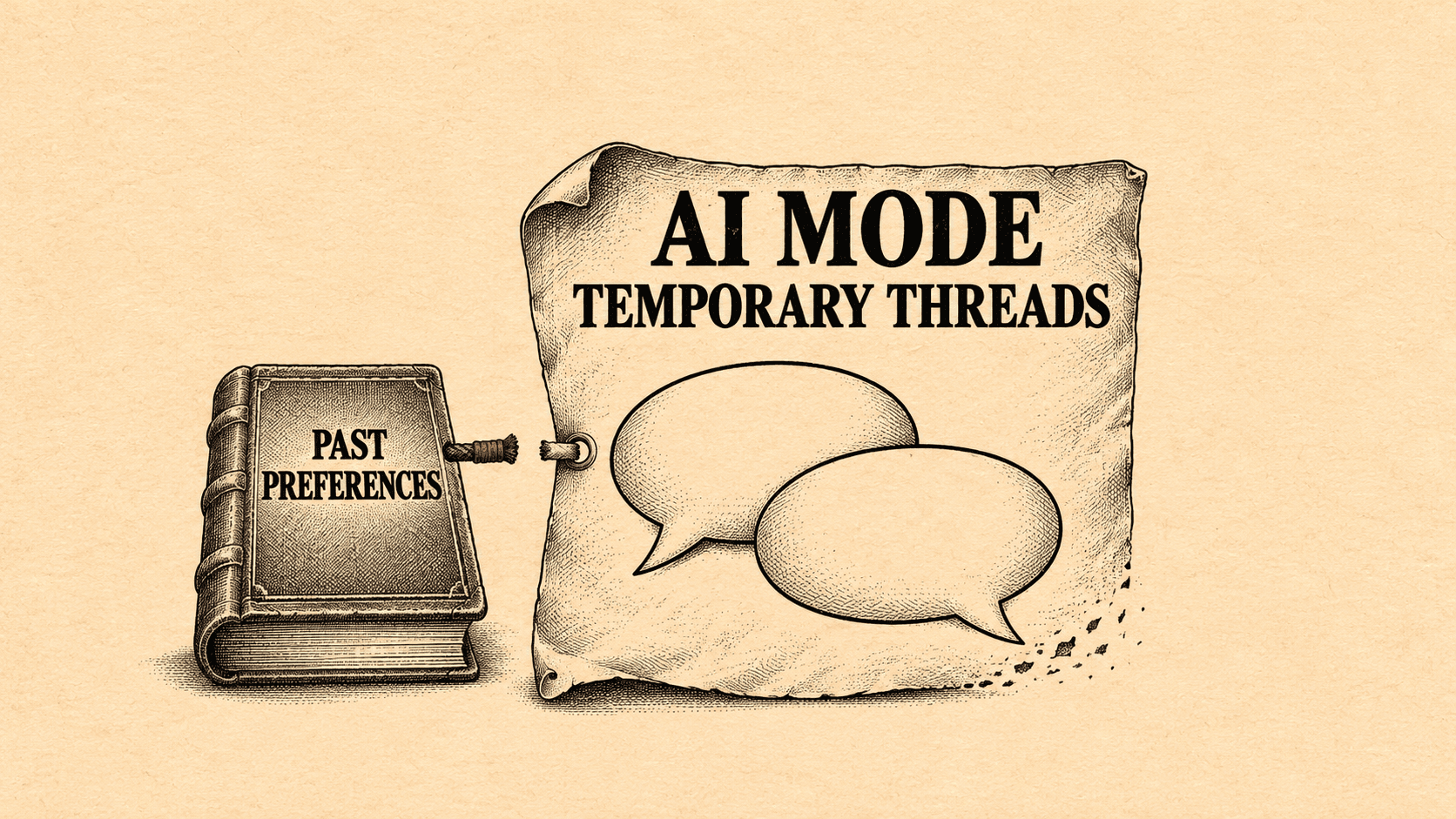
- Google Tag Manager permission settings now apply across the board. Access to data in Tag Assistant will be managed through the container permissions you already use in Tag Manager.
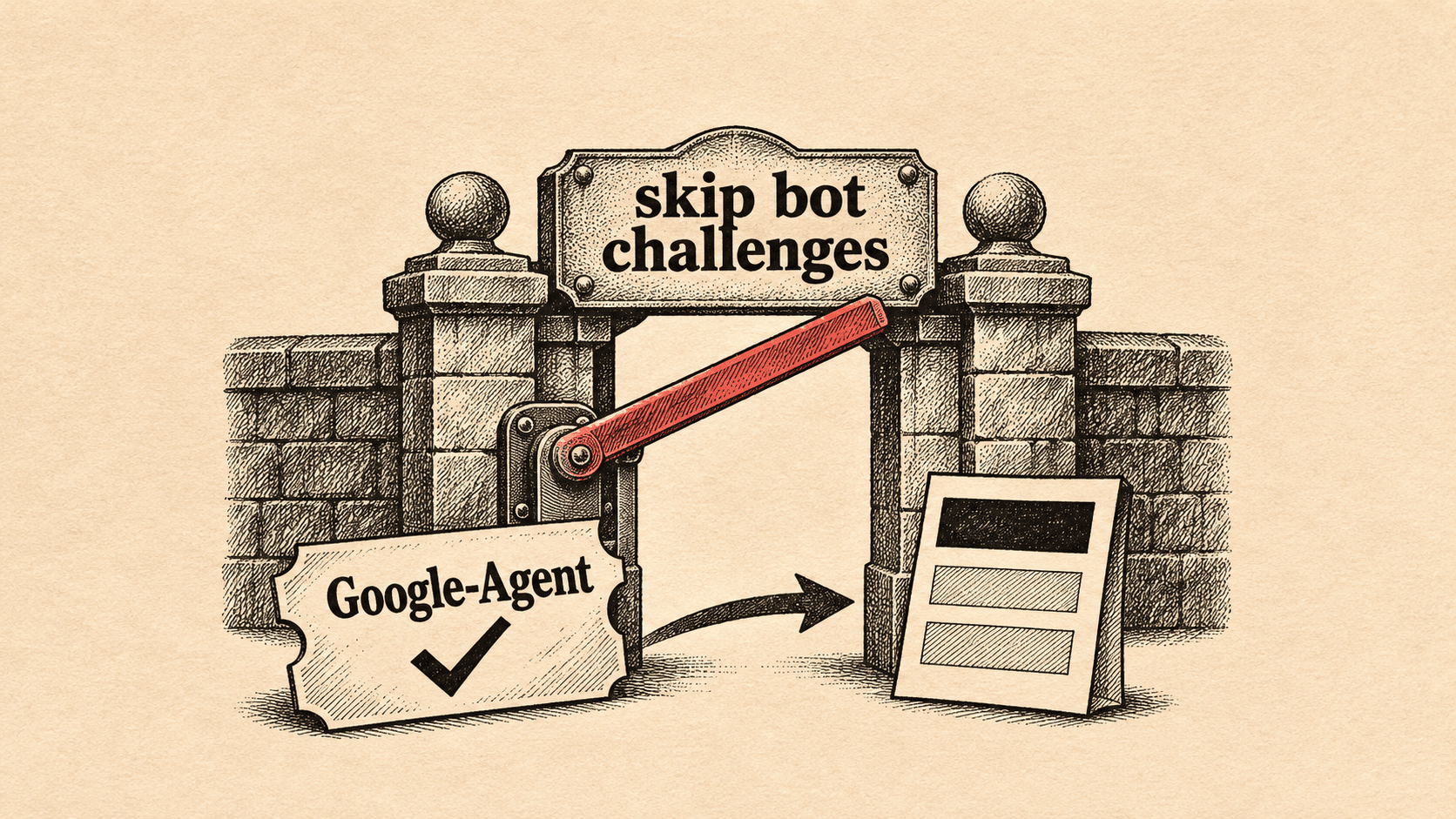
- If you have an unsupported installation, you will receive the upgrade in January 2027, and Google advises adjusting your setup before then.
Already listed in the same release notes.
- 8 October 2026: Google says all Tag Manager (gtm.js) container snippets will initialise on container load, regardless of any gtag('config') commands. Config commands will now surface in the dataLayer as visible gtag.config events, and containers with wildcard custom event triggers may see tags fire as a result.
- 12 October 2026: containers can send data directly to Google measurement products through destination tags, without loading gtag.js. Google says this gives faster website performance, centralised settings and user access in the container. It affects current Tag Manager users, who see an upgrade banner in the container. Google's destination definition lists four destination types: Google Analytics 4 web data stream, Google Ads account, Floodlight configuration, and Merchant Center conversion source. Adding a destination tag automatically sends a page view event for that destination.
- 9 July 2026: for containers loaded through unsupported paths such as /gtag/js or /gtag/destination, the ID used to load the container now controls behaviour. A GTM-XXXX ID is not restricted. Product-specific IDs such as G-XXXX or AW-XXXX only permit tags and variables provided by Google.
Google's setup guidance defines the unsupported case: a non-GTM-prefixed Google tag ID (starting G-, AW- or DC) deployed through a Tag Manager snippet path (gtm.js). The guide says sites using that pattern may see unexpected changes in tag behaviour, and that users on affected containers received an email notification.
What this means for specialists
The new model changes who owns what. A Google tag that used to be a standalone snippet becomes something with a container, versions and permissions. Access to Tag Assistant data will be managed through the relevant container's permissions, so it is worth knowing who holds those permissions on each container you work with.
The config command change matters most on sites that mix approaches. The setup guide's example of an incorrect implementation is a gtm.js snippet with gtag('config') commands for non-GTM IDs. Google says gtm.js snippets will stop recognising or waiting for those commands, so any parameters passed that way are at risk. The guide's fix is to use the standard gtag.js snippet, or, where Tag Manager is managing other tags, to keep the GTM snippet, swap in the GTM-XXXXXX ID and apply the configuration in the Tag Manager interface.
The visible gtag.config events are a separate, practical problem. If a container has a wildcard custom event trigger, Google says those tags may now fire on config events. That is a tracking-quality issue, not just a tidiness one, because extra firing can mean duplicated or unwanted hits depending on what the trigger drives.
The benefits Google lists for destination tags (faster pages, simpler settings, easier troubleshooting) are Google's claims. The sources give no measured results, so treat them as a reason to test rather than an expectation.

What to do this week
- Check the snippets. Locate the gtm.js snippet and any associated standalone gtag('config') commands in the website code, and note whether they use G-, AW- or DC IDs. That is the pattern Google calls unsupported.
- Verify where requests go after any update. Once a site has moved to the standard gtag.js installation, open Chrome Developer Tools, go to the Network tab, refresh, and look for requests to googletagmanager.com/gtag/js rather than /gtm.js. For Google Ads, look for googleadservices.com, and for Google Analytics, analytics.google.com. The documented GTM implementation is different: where Tag Manager manages other tags, the site may retain gtm.js with a GTM-prefixed container ID.
- Run Tag Assistant. Add the domain, connect, and check the Google tags found header shows the correct tag ID with a green or blue status icon.
- Review custom event triggers. In each Tag Manager container, find wildcard custom event triggers and use Preview mode to see whether gtag.config events now cause tags to fire.
- Look for the upgrade banner. On the Overview page, check for the "Optimize your Tag Manager container" banner. Use Preview changes, then Add to workspace, and test in Preview mode before you click Submit.
- Audit access. Open the External Account Links section of each container's admin settings. Google says permissions are not versioned, so rolling back a version will not restore them. Also list who holds container permissions, since they will govern Tag Assistant data.
- Search for the warning email. Google says users on containers with an unsupported installation were emailed. Find it, or ask the account owner whether it arrived.
What we do not know yet
- A full rollout schedule. The 17 November note describes bringing Tag Manager capabilities to the Google tag and gives no complete schedule for the general change. The documented timing is January 2027 for unsupported installations, with no day given. Separately, the container optimisation affects current Tag Manager users only.
- Whether the config change is already in force. The 8 October release note describes the gtm.js behaviour as a current update, while Google's setup guide says snippets "will soon be updated" to stop recognising config commands. The sources do not reconcile the two.
- What the upgrade does to an unsupported installation. The notes say the upgrade arrives in January 2027 but not what a site will see afterwards.
- How the permissions change maps onto existing access. The sources say Tag Assistant access follows container permissions, but not how current Tag Assistant access is migrated.
- Market breakdown. The sources give none.
Sources & Further Reading
- support.google.com: Release notes - Tag Manager Helphttps://support.google.com/tagmanager/answer/4620708?hl=en
- support.google.com: Set up your Google tag installation correctly for gtag.js - Tag Manager Helphttps://support.google.com/tagmanager/answer/17231523
- support.google.com: Optimize your Google Tag Manager container - Tag Manager Helphttps://support.google.com/tagmanager/answer/16659369
- support.google.com: Destination and destination tags: Definition - Tag Manager Helphttps://support.google.com/tagmanager/answer/12324388